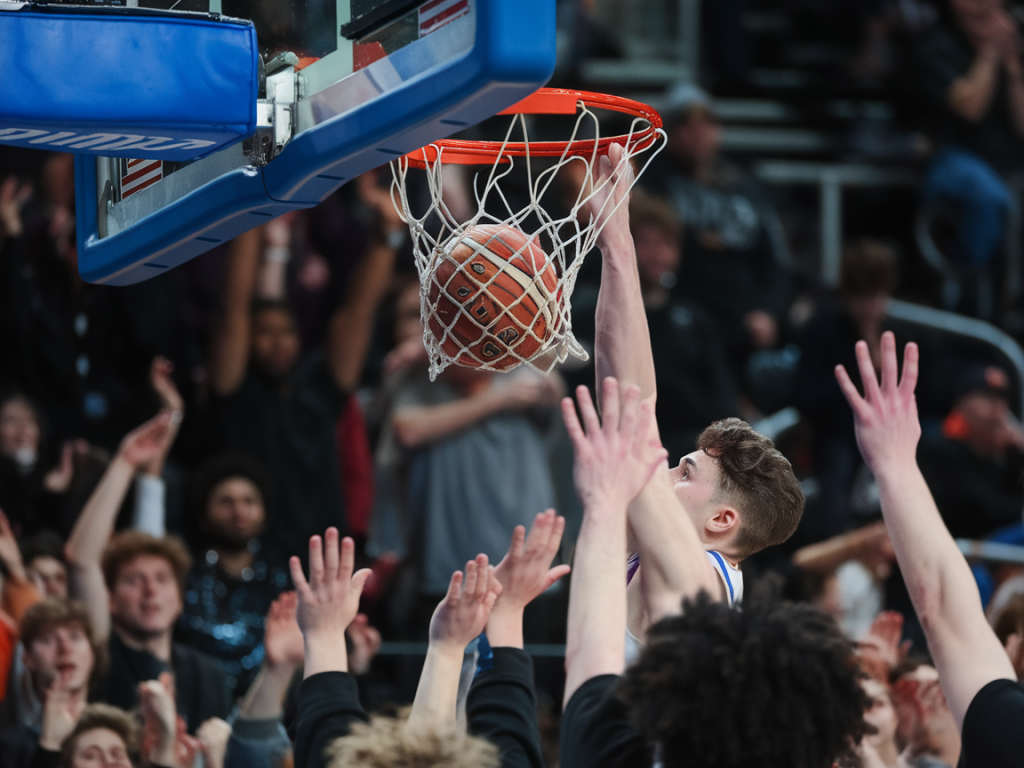
I get why you’re skeptical. A frantic clip of a last‑second buzzer‑beater, a freak injury, or some “you won’t believe this” sports moment can rack up thousands of retweets in minutes — and not every jaw‑dropping highlight is what it seems. Over the last few years I’ve learned to treat viral sports footage like a film I’m about to review: look for seams, question the setup, and don’t trust the hype until you’ve done a little homework. Below are the practical checks I run through whenever a clip drops in my Twitter feed.
Start with the account and context
Before diving into frame‑by‑frame forensic work, I always ask: who posted this? Twitter/X makes that easy to scan fast.
Is the account verified, or at least consistent? A brand new handle with no history posting a sensational clip is a red flag.Look at the account’s past tweets. Do they share real sports reporting, or mostly memes and clickbait? Real outlets, beat writers, and team accounts tend to post quickly and follow up with context.Check timestamps and replies. If credible journalists or teams are quoting or replying with confirmations, that’s a good sign. If it’s only being amplified by anonymous accounts and bot‑like activity, be cautious.Reverse the media — find the origin
My next step is to chase the source. More often than not, the original uploader or a broadcast clip tells the story.
Use Twitter’s native “view tweet activity” indirectly by looking for the first share. Sort replies by “live” or “latest” to see who posted earliest.Do a reverse video/image search. Tools like Google Images (frames grabbed as screenshots), TinEye, or InVID’s keyframe extractor let me find earlier instances of the same footage. If the clip exists elsewhere with a timestamp, venue, or broadcast overlay, it’s probably real or at least reliably edited.Search the clip on YouTube, Reddit, and TikTok. Fans and local reporters often post raw footage before the mainstream accounts pick it up.Check for broadcast overlays and watermarks
Live broadcasts leave traces: score bugs, channel logos, on-screen graphics and replays. Those are helpful anchors.
If the clip shows a familiar broadcaster’s graphics (ESPN, Sky Sports, DAZN, local feeds), try to match the on-screen elements with that network’s look for the date in question. Graphics packages evolve — if the logo looks dated for the purported event, alarm bells should ring.Sometimes manipulators deliberately add or remove graphics. Look for imperfect edges, inconsistent font rendering, or mismatched colors where overlays sit on the footage.Motion, lighting and physics — the telltale signs
This is where my film‑review instincts kick in. AI and deepfake tools are getting great at faces, but they still trip up on physical realism.
Frame jitter and motion flow: Real footage from broadcast cameras has motion blur and consistent motion flow. If a clip looks “too smooth” or has inconsistent motion blur when objects move rapidly, it could be interpolated or synthetically generated.Shadows and reflections: I check whether shadows follow the same light source and whether reflections (on polished floors, helmets, water) align with them. Inconsistencies are a strong indicator of manipulation.Ball physics and contact: Balls and players should adhere to expected trajectories and reactions. If a soccer ball bends in an impossible arc or a basketball pass clips through a hand, pause and inspect frame by frame.Audio clues matter
Audio is often the easiest thing to fake badly. I mute the clip and then play it with headphones to spot oddities.
Is crowd noise looped? Sudden identical crowd swells or repeated chants can mean the audio track was looped or pasted from another source.Commentary alignment: Live commentary usually matches the on‑screen action down to the second. If the commentator’s words don’t sync with the visuals — or if there’s no ambient stadium noise in a supposed live fan moment — that’s suspicious.Odd compression or hiss: Heavy audio compression, abrupt volume jumps, or inconsistent ambient noise suggest post‑production edits.Use forensic tools (quick, practical ones I actually use)
I’m not a lab tech, but a handful of free tools take you a long way.
InVID/WeVerify — extracts keyframes, checks metadata, and runs reverse image searches. It’s my go‑to for early verification.Amnesty International’s YouTube DataViewer — great for pulling upload metadata and matching screenshots.InVID’s magnifier and video‑fragment tools — useful for spotting frame artifacts and splicing.Deepware Scanner or Microsoft Video Authenticator — these can flag deepfake tendencies (take results as indicators, not gospel).Inspect the pixels — artifacts and compression fingerprints
When I zoom in, I look for artifacts that tip off editing.
Unnatural edges: Look around faces, jerseys, and equipment for haloing, blurring, or sudden pixel fusion where two video elements were merged.Stable compression blocks: AI upscaling often leaves uniform patterns or repeated macroblocks in parts of the frame. Broadcast footage usually has a consistent compression pattern across the whole frame.Color banding: Sudden, stepped color gradients — particularly around skies or jerseys — can show synthetic color grading.Cross‑check with trustworthy sources
I never rely on a single indicator. Once I have a suspicion, I cross‑reference.
Sports official channels: Team accounts, league reporters, and league apps often publish confirmations fast.Local beat reporters: They’re on the ground and usually quick to confirm injuries, match outcomes, or incidents.Other broadcasters: If a major network shows the moment in their highlights, it’s likely authentic.Look for editing signs: cuts, matching frames, and timing
Many viral edits are stitched from different events. Pay attention to continuity.
Audience continuity: Crowd clothing, banner placements, and camera angles should maintain continuity across cuts. If a camera angle changes but the crowd’s position or clothing flips, that’s a sign of splicing.Time of day and weather: If a stadium shot suddenly jumps from bright sunshine to overcast between cuts, that’s fishy unless it’s clearly labeled as different footage.When a clip looks staged, think motive
Why would someone fake this? Understanding motive helps evaluate risk.
Virality and ad revenue: Sensational clips get clicks. Some creators fake moments to drive views across platforms that pay per play.Political or reputational impact: Sometimes manipulated clips are used to humiliate a player, push a narrative, or inflame fanbases.Report and archive what you find
If you determine a clip is likely fake, don’t just scroll on. I save screenshots, download the video (where allowed), and bookmark the original tweet. Then I report the post via Twitter/X’s reporting tools for misinformation or manipulated media. If it’s a legitimately dangerous claim (serious injury, hate speech), pass it to relevant authorities or the team’s PR account.
Finally, be patient. Sometimes the only confirmation is a later follow‑up from a reputable outlet or a team statement. In the meantime, keep your skepticism on — treat viral sports clips like reviews: examine the craft, call out the flaws, and only publish your hot take when the evidence checks out. That way, you don’t become part of the echo chamber that turns a fake into a fact overnight.